Franchise

All Courses

Type a course name or short form (acronym) to find any course quickly.

Career-Ready · Industry-Focused

MS Word (MS-Word)

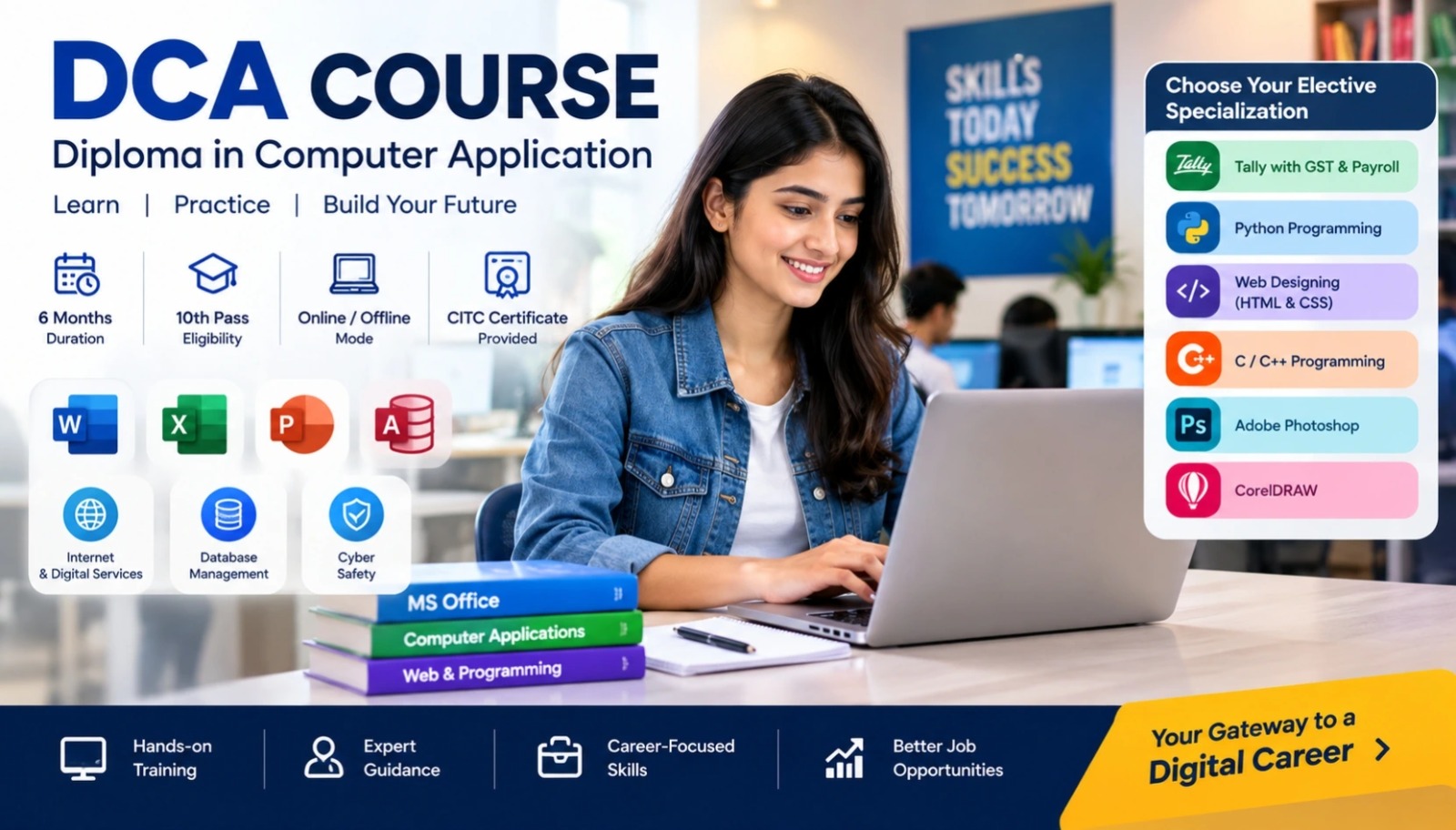
MS WordLearn MS Word with CITC – An ISO 9001:2015 certified organization, associated with Microsoft, ICDL for International Computer courses, NIELIT, MSME & Google. About courseThis is the certification cours…

Duration 20 Days Mode Online / Offline Level Beginner+ CITC Certified Placement Support

Microsoft Ms Word Learning Tutorials (MS-Word)

Start Date 1 October 2026
Duration 20 Days
Mode Online / Offline
Certification CITC Certified
Batch / Course MS-Word
Enroll Now

Click here for CITC All Courses FEES

Course Highlights

What you get when you enrol with CITC

Industry-ready Curriculum
Practical Learning
CITC Certificate
Flexible Batches
Placement Support
Career Guidance
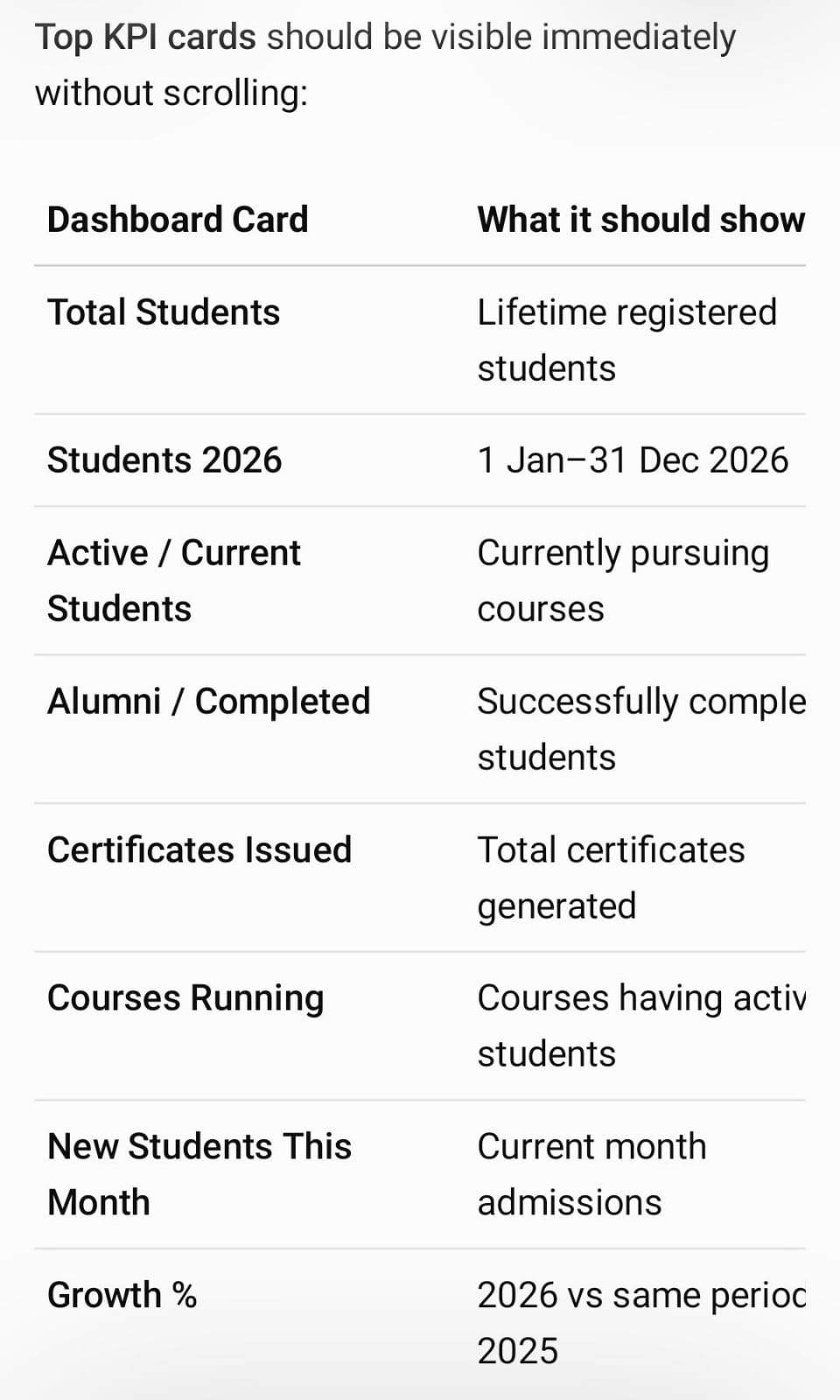
1,638+ Franchises
37,006+ Students
435+ Courses
9,252+ Govt. Placements
20,353+ Private Placements
Microsoft Ms Word Learning Tutorials

MS Word

Learn MS Word with CITC – An ISO 9001:2015 certified organization, associated with Microsoft, ICDL for International Computer courses, NIELIT, MSME & Google. 

About course

This is the certification course in MS-Word with 45 hours duration.  For this course, one should have a basic knowledge of computer and computer science. This certification course is a basic course that objective is providing the basic knowledge of MS-Word

.What you will Learn?

During this course, you will learn not only creating documents but also postcard creation, Newsletters, Flyers or Invitations, etc.

Scope

After completing this course, you can apply for the job of Data Entry, Print Consultant,  MS-Word Typing,  Office Assistant or helper, etc.

Click on the Buttons to Download Study Tutorial :


Course Papers / Subjects

What you will study in this programme

01
MS Word- Required in Lots of office work

Syllabus (Module-wise)

Expand each topic for details

Module 1

Course Modules/Papers

  • MS Word

  • Home
  • Insert
  • Page Layout
  • References
  • Mailing
  • Review
  • View

What You Will Learn & Career Scope

Details from the course content

Learn from Online MS Word Learning Tutorials | CITC Chandigarh

This Microsoft Word Learning tutorial course, designed by CITC, requires new users to use text, tables, lists, and pictures, as well as to create, edit, and print business documents necessary to cover simple mail merge Imparts skills. Particular emphasis is located on producing accurate and well-designed documents.
CITC – An ISO 9001:2015 certified organization, associated with Microsoft, ICDL for International Computer courses, NIELIT, MSME & Google, is offering several Microsoft short-term courses certification in India.

Strengthen your necessary Computer Skills:

The course introduces by showing you how to navigate around Microsoft Word. Then it promptly takes you to create a new document before proceeding to features like text manipulation and enhancements, creating and using tabs and tables, embellishing reports with clip art and pictures, merging and printing documents. Create multiple documents.

Eligibility:

This is the Microsoft office online courses with a certificatecourse in with 20 hours duration. For this course, one should have a basic knowledge of computer and computer science. This certification course is an essential course whose objective is to provide the basic experience of MS-Word.

Syllabus for beginners:

This online MS word course with a certificate starts with a blank document. Still, you can also learn postcard creation, Newsletters, Flyers or Invitations, etc. and quickly dives using a combination of other MS word functions to perform basic tasks.
By getting registration in our course, you will learn:
• Home
• Insert
• Page Layout
• References
• Mailing
• Review
• View, etc.

Here you can go for after this course:

After getting certification in the Microsoft word training 2020 course for beginners, you will get job opportunities in various fields. This certification course benefits you from being recognized for your ability to hone your skills and work in the Microsoft Word platform. You can apply for the job of Data Entry, Print Consultant, MS-Word Typing, Office Assistant or helper, etc.

here is test to social proof

social proofing

hahgahahs

hahgahahs

test

test

test 2

test 2