Franchise

All Courses

Type a course name or short form (acronym) to find any course quickly.

Career-Ready · Industry-Focused

DIT

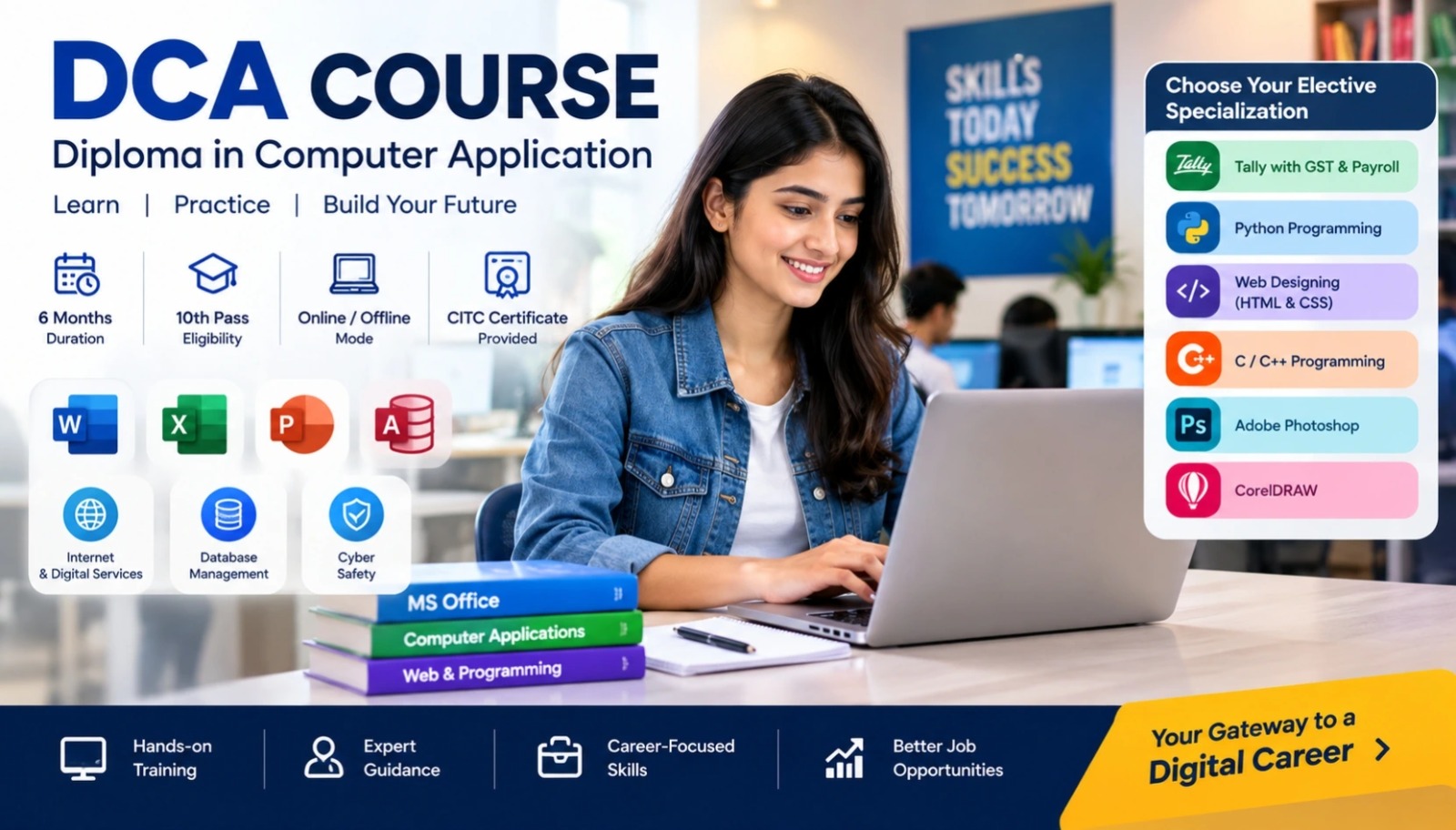
Do Diploma Information and Technology with CITC – An ISO 9001:2015 certified organization, associated with Microsoft, ICDL for International Computer courses, NIELIT, MSME & Google. Course PapersFundamentals,…

Duration 6 Months Mode Online / Offline Eligibility 10th CITC Certified Placement Support

Diploma In Information And Technology (DIT)

Start Date 1 October 2026
Duration 6 Months
Mode Online / Offline
Certification CITC Certified
Batch / Course DIT
Enroll Now Download Syllabus

Click here for CITC All Courses FEES

Course Highlights

What you get when you enrol with CITC

Industry-ready Curriculum
Practical Learning
CITC Certificate
Flexible Batches
Placement Support
Career Guidance
1,638+ Franchises
37,006+ Students
435+ Courses
9,252+ Govt. Placements
20,353+ Private Placements
Diploma In Information And Technology

Do Diploma Information and Technology with CITC – An ISO 9001:2015 certified organization, associated with Microsoft, ICDL for International Computer courses, NIELIT, MSME & Google. 

Course Papers

  • Fundamentals, MS Office, Internet
  • Multimedia and IT Concepts

Course Papers / Subjects

What you will study in this programme

01
Fundamentals
02
MS Word
03
MS Excel
04
Power Point
05
Internet
06
Multimedia
07
IT Concepts

Syllabus (Module-wise)

Expand each topic for details

Module 1


  • Introduction to computers
  • Input-output devices, Memory
  • Hardware Software
  • Number System
  • Introduction to Windows
  • Changing Windows Properties( window color, screen saver,, resolution, date and time)
  • Working with Notepad and Paint
  • Creating, Deleting, Renaming Files and Folders

  • Home
  • Insert
  • Page Layout
  • References
  • Review
  • View
  • Mailing

  • Home
  • Insert
  • Page Layout
  • Formulas
  • Data
  • Review
  • View

  • Home
  • Insert
  • Design
  • Animation
  • Slidshow
  • Review
  • View

  • Introduction to Internet
  • Surfing
  • Email
  • Create Account
  • Sending & Receiving E-Mails
  • Web Browsers
  • Downloading & Uploading
  • Google Drive
  • Search Engines
  • Trojan/virus

  • Multimedia Overview
  • Introduction to HyperStudio
  • Instructional Design
  • Screen Design
  • Use of Sound
  • Internet Resources
  • HyperStudio Tips and Tricks
  • Multimedia Portfolios
  • Advanced Button Features
  • Incorporating Digital Media

  • Information
  • What is Computer
  • How Computer Process Information
  • Components of Computer System
  • Types of Computer
  • Computer Organization
  • Computer Hardware Components
  • Types of Storage Devices
  • Input Devices 
  • Output Devices
  • Types of Software

What You Will Learn & Career Scope

Details from the course content


here is test to social proof

social proofing

hahgahahs

hahgahahs

test

test

test 2

test 2